Add Daiku to Chrome
Carry your sign-ins into your Daiku browser, straight from Chrome.
Download Daiku for ChromeDaiku for Chrome isn't on the Chrome Web Store yet, so add it by hand for now.
Unzip it
You'll get a folder named daiku-for-chrome.
Turn on developer mode
Open this address, then switch on Developer mode, top right.
chrome://extensions

Load it
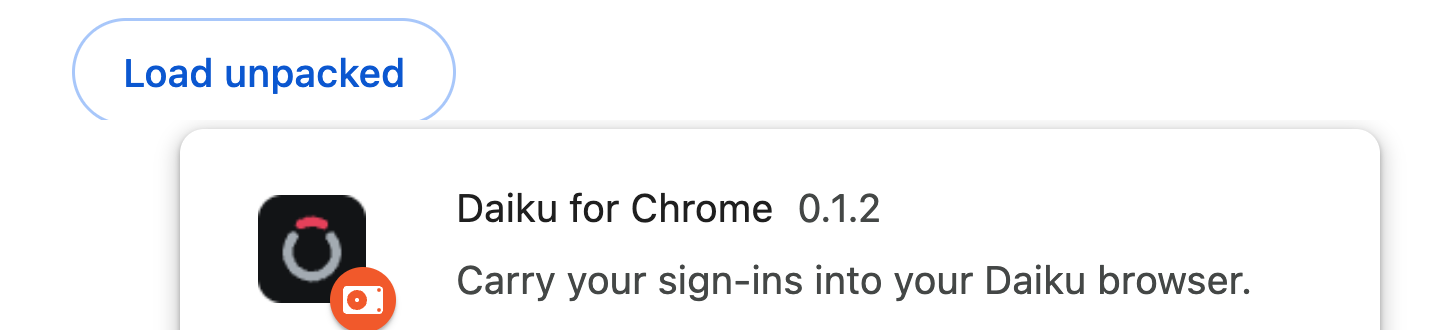
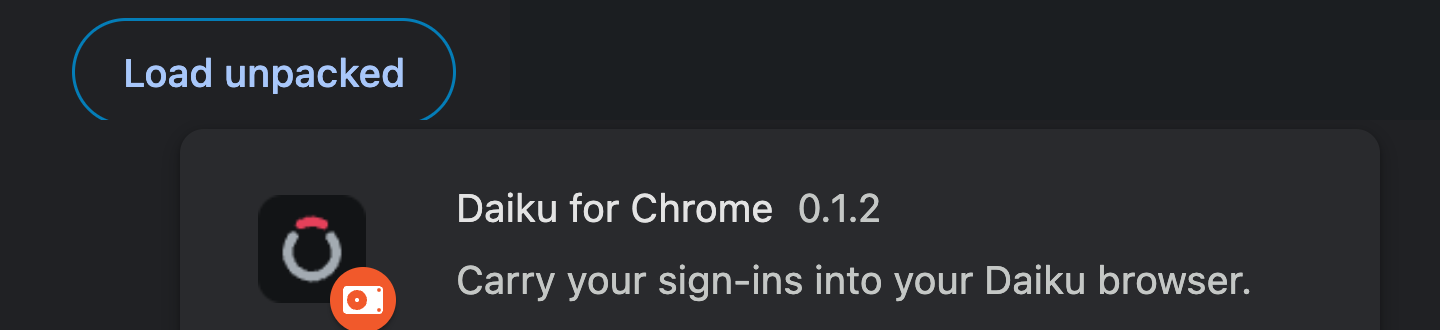
Click Load unpacked and choose the daiku-for-chrome folder you unzipped.
Connect it
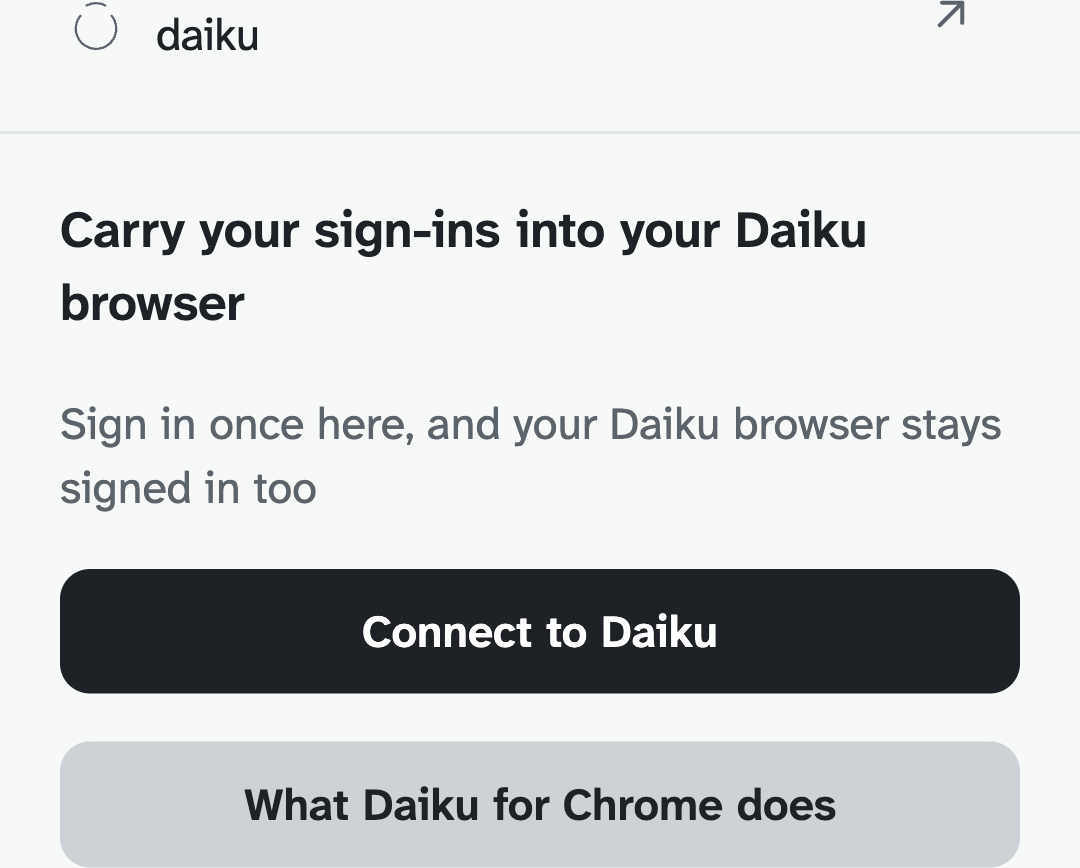
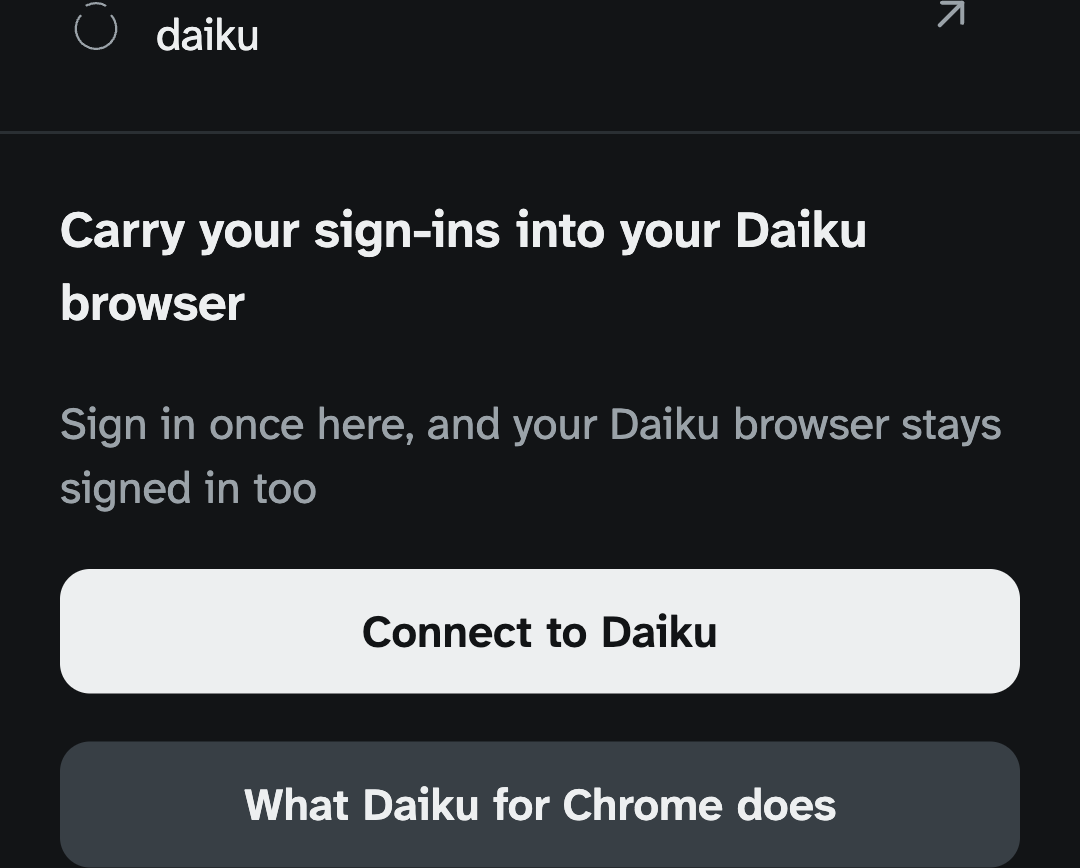
Click Daiku's icon in Chrome's toolbar, then Connect to Daiku, and sign in with your passkey.
Stuck on developer mode?
Tell us where it stopped making sense, and we'll sort it out with you.